
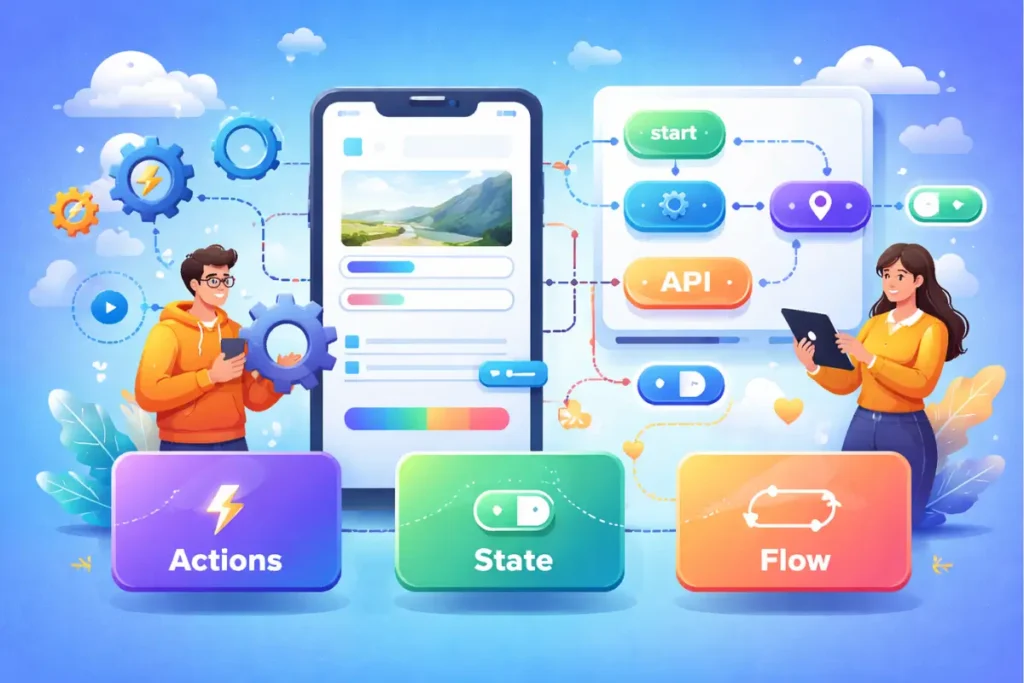
In FlutterFlow, logic is not only code, because it is the set of decisions that makes your app behave consistently across screens and situations. Logic includes what happens when users tap, what happens when data is missing, what happens when the network fails, and what happens when the app state changes while the user moves through navigation.
Most beginner problems come from mixing responsibilities, because actions, state, and flow get tangled, then one small change breaks three screens. When you learn to separate them, you learn FlutterFlow faster, and you stop guessing during debugging.
If your goal is to learn flutterflow from scratch and ship real apps, understanding logic is the turning point, because UI and data are visible while logic is invisible, and invisible mistakes are the ones that waste the most time.
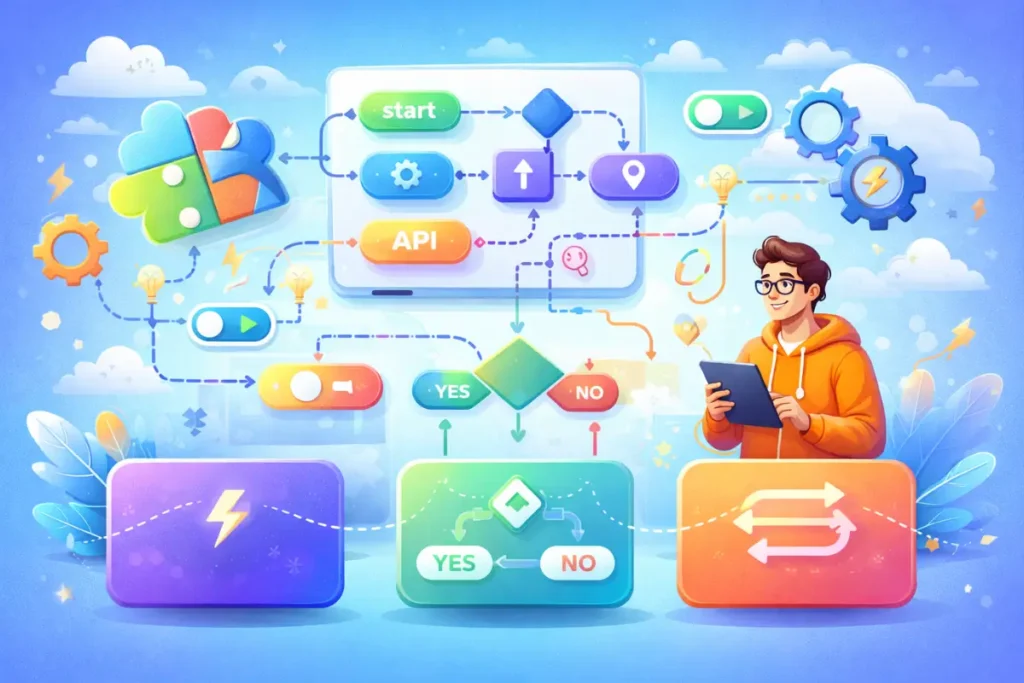
The three pillars: actions, state, and flow
Actions: “do something”
Actions are the steps that run when an event happens, including button taps, page load triggers, and form submissions. Examples include creating a record, calling an API, updating a variable, and showing a message. A good action sequence is deterministic, meaning it behaves the same way every time given the same input.
State: “remember something”
State is the information your app holds to render UI and make decisions. State can be local, page-level, component-level, or app-wide. Clean state reduces bugs because it reduces hidden dependencies.
Flow: “decide what happens next”
Flow is the logic that connects screens and actions, including navigation rules, guards, conditions, and branching. Flow is where you prevent users from reaching screens they should not see, and it is where you ensure the app returns to a stable state after errors.
This separation is the best way to learn flutterflow, because it turns a confusing set of tools into a predictable mental model.

State basics: what to store, where to store it, and why it matters
Local state first, app state second
The fastest route to clean logic is local state by default, because it keeps your changes contained. App state should be reserved for values that multiple screens must read and change, such as a theme toggle, selected language, a global filter, or a session-level preference.
If you store everything globally, you create invisible dependencies, because any screen can change anything, and debugging becomes slow.
Page parameters are not state, but they affect state
When you navigate to a detail screen with an ID, that ID is a parameter, not state, but it becomes the key that drives queries and UI. Beginners often forget to validate parameters, then they see blank screens or crashes.
A clean habit is to treat parameters as required inputs, then handle missing values with a guard, because flow should protect you from invalid states.
Persistent state is a separate decision
Some state should persist across app restarts, such as user preferences and onboarding completion, but persistence should be deliberate, because persisting too much can cause stale UI and confusing behavior. A beginner-friendly approach is to persist only a few flags until you build confidence.

Action basics: how to build sequences that do not break
Every action sequence needs three outcomes
A reliable action sequence handles:
- loading and user feedback
- success and next navigation
- failure and recovery
Beginners skip the failure path, because success is easier, but missing failure handling is why apps feel random in real use.
The “create → confirm → refresh → navigate” pattern
This pattern is the most useful for beginners because it produces predictable results.
Example concept:
- validate input
- create record
- show success feedback
- refresh list or query
- navigate back or forward
When you follow this pattern, your app feels stable, and you learn FlutterFlow logic faster than someone who relies on “it updated eventually” behavior.
Avoid action chains that depend on UI timing
A common beginner problem appears when the action sequence relies on a widget to rebuild at the right time, because timing-based logic becomes fragile. A better approach is explicit refresh and explicit variable updates.

Flow basics: building stable user journeys
Navigation guards prevent logic chaos
Guards are checks that redirect users when a condition is not met, such as when the user is not authenticated or when a required parameter is missing. Guards keep your app from entering invalid states, and invalid states are where debugging time explodes.
Conditional UI is part of flow
Flow includes showing and hiding elements based on state, user roles, and data presence. Conditional UI should be simple and centralized, because scattered conditions across many widgets can become hard to manage.
The “happy path” is only half the app
A stable flow includes:
- the first-time user path
- the returning user path
- the logged-out path
- the error path
If you design only the happy path, your app will feel unreliable when real users do anything unexpected.
Mini example workflow: a “Save Profile” flow that stays reliable
This conceptual workflow shows actions, state, and flow working together, without heavy code.
The goal
A user edits profile fields, taps Save, sees feedback, and returns to the previous screen, and the previous screen shows updated data without manual refresh tricks.
Step 1: Define state and inputs
- local state holds form values while typing
- page parameter holds the userId if needed
- the data record is fetched via a query
Step 2: Validate before running work
- required fields checked
- basic format checks applied
- disable the Save button when invalid
Step 3: Run a clear action sequence
- show loading state
- update record
- show success toast
- refresh dependent queries or local variables
- navigate back
Step 4: Handle failures explicitly
- show error message
- keep the user on the screen
- allow retry without losing input
Step 5: Confirm flow correctness
- open profile screen again and confirm updated data is shown
- test with slow network conditions if possible
- test empty optional fields
This workflow is the best way to learn flutterflow for beginners who want to ship, because it teaches correctness, not just configuration.
Step-by-step learning roadmap for FlutterFlow logic
This roadmap is designed to build competence quickly without drowning in complexity.
Stage 1: Events and simple actions
You learn what triggers actions and you practice one action per event, because clarity comes before complexity.
Stage 2: Variables and local state discipline
You learn local state and you build one form, because forms expose state and validation patterns quickly.
Stage 3: Action sequences and refresh patterns
You learn how to chain actions and ensure UI updates reliably, because refresh discipline is a core logic skill.
Stage 4: Flow guards and conditional UI
You protect your app from invalid states, because this is what prevents “random bugs” that waste hours.
Stage 5: Integrations and error handling maturity
You call an API, handle errors, and keep user experience stable, because real apps always face failures.
If you are following a flutterflow tutorial, this roadmap helps you choose what to learn next, and if you are using a flutterflow course, it helps you judge whether the curriculum teaches the skills that actually matter.
Beginner plan: 7 days (logic confidence without overwhelm)
This plan is for someone who wants quick progress and wants to learn flutterflow from scratch with a clear structure.
Day 1: Build one screen with two actions, then add success and failure feedback paths.
Day 2: Build one form with local state, then add validation and disable Save until valid.
Day 3: Build a create flow using create → confirm → refresh → navigate, then verify the list updates reliably.
Day 4: Build an edit flow with a detail screen parameter, then validate the parameter and handle missing values.
Day 5: Add a conditional UI rule based on state, then test all branches so you learn flow discipline.
Day 6: Add an API call with error handling, then log the response and handle optional fields safely.
Day 7: Audit your app for invalid states, then add guards and error screens where needed.
This plan is short, but it teaches the core logic patterns that make everything else easier.
Focused plan: 30 days (from basic logic to real app behavior)
This plan is for learners who want faster long-term results and are comparing self-learning with structured programs.
Days 1–7: Action fundamentals and deterministic sequences
You learn event triggers, you build action sequences, and you practice predictable refresh patterns.
Days 8–14: State mastery and clean forms
You build multiple forms, you use local state discipline, and you persist only what is necessary.
Days 15–21: Flow guards and app stability
You add auth-based routing, role-based UI, and parameter validation, because stability is a flow problem first.
Days 22–30: Integrations, failure handling, and shipping readiness
You integrate one external API, you handle errors gracefully, and you run a reliability checklist before release.
This plan often pairs well with a flutterflow full course, because structured repetition makes logic patterns stick.
Tutorials vs Course vs Bootcamp for learning logic
Logic is where structure matters most, because random tips do not create a consistent mental model.
flutterflow tutorial
Fast for a single action pattern, a specific API call configuration, or a quick fix, but slow when you try to assemble many unrelated tutorials into one coherent flow.
flutterflow course
Often the fastest for overall progress, because it teaches consistent action sequencing, state discipline, and flow guards, which are the skills that reduce repeated debugging.
flutterflow bootcamp
Fast when you need feedback and accountability, because logic mistakes are hard to see alone, and review accelerates learning dramatically.
flutterflow training
Fast when guided practice is included, because you learn logic by building flows, breaking them, and fixing them under supervision.
If you want the best way to learn flutterflow, you typically use a course for structure, then a tutorial for a targeted obstacle, then you return to building and testing, because testing is where logic becomes real.
Common logic mistakes and how to avoid them
Mistake 1: Storing everything in app state
This creates unpredictable dependencies, so you should keep state local unless multiple screens truly need it.
Mistake 2: Skipping failure handling
If you never handle errors, you never learn reliability, so you should add error UI and retry paths as part of every feature.
Mistake 3: Missing refresh discipline
If you update data but the UI does not reflect it, you will chase ghosts, so you should enforce explicit refresh patterns.
Mistake 4: No guards for invalid states
If your app can reach a screen with missing parameters, it will break, so you should guard navigation and handle missing data.
Mistake 5: Overlong action chains
Long chains become hard to debug, so you should keep actions small and predictable, and you should extract repeated sequences into reusable patterns.
Practical checklist: Actions, state, and flow
Actions
- each action sequence has loading, success, and failure outcomes
- create and update flows include explicit refresh steps
- messages and navigation are consistent across screens
State
- local state used for forms and temporary UI decisions
- app state used only for truly shared values
- persistent state limited to clear user preferences
Flow
- auth guard prevents invalid access
- parameters validated on detail screens
- empty and error states handled across major screens
FAQ
1) What is the most important logic concept for beginners?
Action sequencing and refresh discipline, because most beginner bugs come from updates that do not reflect correctly in UI.
2) Should I use app state or local state for most things?
Local state for most things, because app state should be reserved for truly shared values across screens.
3) Why does my list not update after I create or edit an item?
It usually happens because the query did not refresh or the UI depends on stale state, so you should use explicit refresh patterns and verify your target record IDs.
4) How do I make flows stable for logged-out users?
You add navigation guards and you redirect users to auth screens when not authenticated, because flow should protect your app from invalid states.
5) Do I need coding to learn FlutterFlow logic?
Not at first, because FlutterFlow provides the core logic tools, but basic Dart knowledge helps later for custom actions and deeper integrations.
6) Is a course better than tutorials for learning logic?
A course is often faster for logic because it provides structure and repeated practice, which reduces confusion and accelerates competence.
If you want a structured path, here’s a full FlutterFlow course: https://webnum.com/flutterflow-course/
FlutterFlow logic becomes manageable when you separate actions, state, and flow, because each pillar has a clear responsibility and a clear set of best practices. When you build deterministic action sequences, keep state local by default, and protect navigation with guards, your app becomes stable, your debugging time drops, and your learning speed increases.