
Most beginner debates about tutorials versus courses end up confusing speed with convenience, because watching a short video feels fast even when it leads to slow progress later, while a structured program can feel slower day-to-day even when it produces a working app sooner. To decide what works faster for you, use these three definitions and pick the one that matches your goal.
Speed to first win
You want a working screen, a login flow, a list page, a button that does something, and the feeling that you are moving, which is often the motivation you need when you learn flutterflow for beginners and you are still building confidence.
Speed to shipping
You want an app that does not break when data is empty, when network is slow, or when you test on another device, because shipping requires reliability, not just a demo.
Speed to competence
You want to handle unfamiliar requirements without panic, because you understand navigation, state, data modeling, actions, and debugging patterns well enough to build without constantly searching for someone else’s exact example.
Once you choose which “speed” you care about, the answer to “what works faster” becomes much clearer, because tutorials and courses optimize different parts of the learning curve.

When a tutorial is faster, and why it feels so good
A tutorial is often faster when you have a narrow objective and a short feedback loop, because you can copy a pattern, confirm it works, and move on without rethinking your entire approach. That is why people who are trying to learn flutterflow while building a real project often rely on tutorials as tactical tools.
A tutorial tends to be the fastest option when:
- you need a single feature, like a filter, a bottom sheet, a form validation pattern, or a specific animation;
- you already have a working app structure and you are adding a new capability without redesigning your data model;
- you can evaluate success in minutes, because the outcome is visible and testable immediately.
The hidden cost appears when you stitch together many unrelated tutorials, because the gaps between them are where most bugs live, which is why “tutorial-only learning” often creates apps that look correct but behave inconsistently as soon as you add auth, roles, multiple queries, or state-dependent navigation.

When a course becomes faster, and why beginners underestimate it
A course becomes faster when the hard part is not any single feature, but the sequence of decisions that connects the entire app into a reliable system. If you have ever built a beautiful UI and then realized your data model does not fit, or you have ever updated a record but your list does not refresh, you have already experienced the “integration tax” that courses are designed to reduce.
A course tends to be faster when:
- you want to build end-to-end skills, not just isolated tricks;
- you are losing time deciding what to learn next, because you are searching randomly rather than following a roadmap;
- you keep hitting the same classes of bugs, because you never built the mental model for state, queries, and action sequences.
This is the practical reason people seek flutterflow courses after a few weeks of tutorial hopping, because the time they save is not the time spent watching content, but the time saved by avoiding rework, unclear architecture, and missing fundamentals.

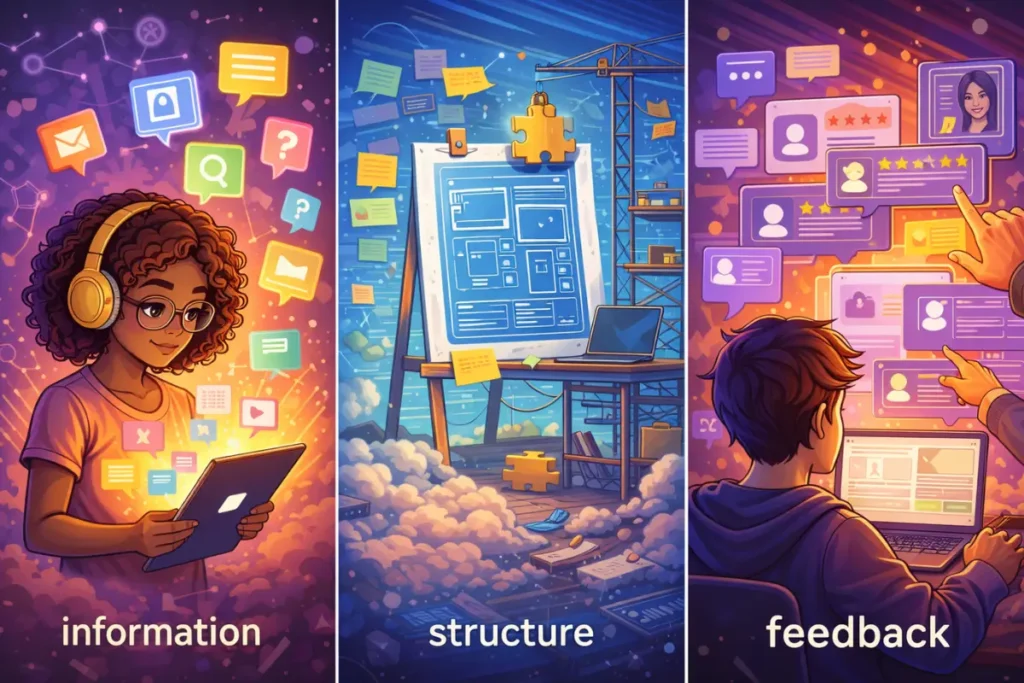
The real difference: information vs structure vs feedback
Most learning resources give you information, but information alone rarely produces speed, because speed comes from structure and feedback.
- Tutorials provide information in small chunks, which is great for solving a specific obstacle quickly.
- Courses provide structure that guides you through the correct order of skills, which reduces rework and prevents you from skipping invisible fundamentals.
- Bootcamps provide feedback and accountability, which can compress time dramatically when your main problem is inconsistency or fear of shipping.
If you are asking how to learn flutterflow quickly, you are really asking which bottleneck is slowing you down, because the fastest option is the one that removes your biggest bottleneck first.
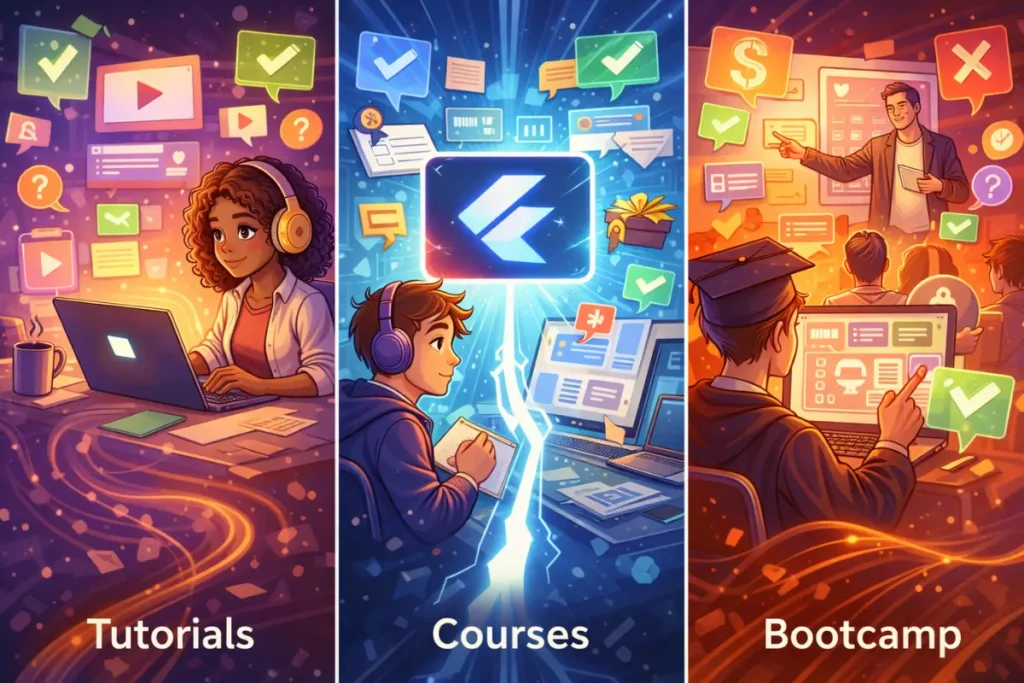
FlutterFlow Tutorials vs Course vs Bootcamp with pros and cons
Below is a practical comparison you can use without overthinking, and you can treat it as a decision cheat sheet rather than a philosophical debate.
Tutorials
Pros: fast answers, lightweight commitment, great for a focused feature, easy to mix with building.
Cons: easy to stay in “copy mode,” hard to see what you missed, inconsistent naming and patterns across creators, high risk of patchwork architecture.
Course
Pros: clear progression, fewer gaps, better long-term retention, usually includes projects that connect UI, data, and logic.
Cons: can be too slow if you already know the basics, quality varies, passive watching can still waste time if you do not build alongside it.
Bootcamp
Pros: fastest for momentum and follow-through, usually includes review and accountability, compresses learning by forcing repetition and shipping.
Cons: intensity can cause burnout, scheduling can be rigid, it is not efficient if you cannot commit consistently, and the cost can be higher than you need early on.
In other words, a flutterflow bootcamp is often the fastest for people who already decided they want a serious outcome and they need pressure plus feedback, while a course is often faster for people who want structure without the intensity, and tutorials are fastest when you want targeted solutions that unlock progress today.
A simple decision framework that prevents wasted weeks
If you want to choose the fastest path without second-guessing, answer these questions honestly.
- Do you have a specific feature to build today, and are you confident your app structure is already solid?
If yes, pick a tutorial for the feature, then return to building immediately. - Are you building an app and repeatedly getting stuck on state, data flow, and “why did this not update”?
If yes, a course is usually faster, because it teaches the mental model that prevents repeated stalls. - Do you struggle to show up consistently, or do you need feedback to stop looping on perfection?
If yes, structured flutterflow training or a bootcamp-style program can be the fastest, because the learning speed comes from guided practice and accountability.
This decision model is also the best way to learn flutterflow when you are serious, because it keeps you from choosing resources based on mood and instead aligns your choice with your real constraint.
Mini example workflow: Build the same feature with each path
To make this real, imagine you are building a small “Weekend Planner” app with authentication, a list of events, and a create flow, because this is a realistic beginner project that includes UI, data, and state.
The goal
- Users sign in
- Users create an event with title, date, and notes
- Users see a list of upcoming events
- Users edit or delete events reliably
If you follow tutorials only
You will likely find one tutorial for auth, another for lists, another for forms, and another for edit flows, then you will stitch them together and discover that each tutorial assumes a different way of passing parameters or managing state. You may still finish, but debugging becomes slow because you have no consistent architecture, and the app can break in subtle ways when you add filters or handle empty states.
If you follow a course
You will usually model data early, build screens in the correct order, learn a consistent approach to navigation parameters, then implement CRUD flows using repeatable action sequences. You might move slightly slower for the first hour, but you often finish faster by Sunday because you avoid the rework that comes from mismatched patterns.
If you follow a bootcamp model
You will build quickly because the structure is strict and the feedback loop is tight, so you will ship a functional MVP sooner and fix issues faster, but the pace only helps if you can commit to the schedule and you do not try to customize everything beyond the assignment.
This is why a flutterflow complete course often beats tutorial hopping for speed-to-shipping, even when a tutorial feels faster in the first ten minutes.
Step-by-step learning roadmap for the fastest outcome
This roadmap is designed so you can start with tutorials, switch to a course when it becomes faster, and optionally use bootcamp intensity when you need accountability, which is the most practical way to combine resources rather than treating them as mutually exclusive.
Step 1: Build foundations with a tight project (Days 1–5)
You learn layout, navigation, and reusable components while building a small app, because learning in isolation slows you down later when you need to integrate everything.
Step 2: Lock in data and auth correctness (Days 6–12)
You focus on data modeling, queries, auth flows, and empty/loading/error states, because these are the skills that determine whether your app behaves reliably.
Step 3: Master state and action sequences (Days 13–18)
You learn the difference between local state and app state, you make your UI reactive without unpredictable bugs, and you practice action sequences that update and refresh consistently.
Step 4: Add one integration and learn real debugging (Days 19–24)
You add one API integration and you practice handling timeouts, optional fields, and error responses, because this is where beginners become confident builders.
Step 5: Ship and polish (Days 25–30)
You improve performance basics, remove fragile logic, test across devices, and publish a build that you can share, because shipping converts knowledge into competence.
If you want to learn flutterflow from scratch and you want speed that lasts, you should treat the roadmap as your primary plan, then use tutorials as tools that help you move within that plan.
Beginner plan: 7 days (tutorial-first, course-supported)
This plan is for the person who wants fast wins but also wants to avoid patchwork learning, because it uses tutorials tactically while keeping structure.
Day 1: Build a basic UI with navigation and one reusable component, then document your screen map so you do not drift.
Day 2: Set up backend and auth, then verify routing so logged-out users cannot reach app screens.
Day 3: Create a data model and show a real list with loading and empty states, then test with zero items and many items.
Day 4: Implement create and edit flows with validation, then ensure the list refreshes consistently after updates.
Day 5: Implement delete and a simple filter, then confirm filters behave correctly when the dataset is small or empty.
Day 6: Add basic state management for user preferences, then make a small UI change that depends on state so you learn reactive patterns.
Day 7: Build a shareable preview or test build, then fix the top three issues you find by testing edge cases rather than chasing new features.
This plan works well when you mix a few targeted tutorials with structured guidance from a course outline, because you get speed without losing coherence.
Focused plan: 30 days (course-first, tutorial-assisted)
This plan is for someone who wants a clear path to competence and is comparing short videos with a structured program, because it pushes you to build multiple times and ship, which is where the speed comes from.
Days 1–7: UI discipline and navigation mastery
You build a component library, you enforce consistent spacing and layout rules, and you practice passing parameters across screens until it becomes automatic.
Days 8–14: Data and CRUD reliability
You design clean schemas, you write queries you can explain, and you build create, edit, and delete flows that do not depend on refresh hacks.
Days 15–21: One real integration
You connect one external API, you handle errors properly, and you learn how to debug responses without guessing.
Days 22–30: Shipping and portfolio packaging
You run a performance sweep, you polish UX states, you publish a stable build, and you write a short case study that shows your reasoning and results.
This is where a flutterflow full course often becomes the fastest option overall, because it prevents your learning from turning into scattered effort.
Practical checklist: Choose the fastest path for you
Use this checklist before you commit to watching more content, because it will keep you building instead of consuming.
If you choose tutorials this week
- One tutorial equals one feature, then you return to your project immediately
- You write down the pattern you learned in your own words
- You rebuild the feature without the video open
- You test empty, loading, and error states, not just the happy path
If you choose a course this month
- You build alongside every lesson, because watching alone is slow progress
- You finish each module with a shippable milestone
- You keep a single project for at least two weeks to avoid restarting
- You create a debugging checklist for common issues, then reuse it
If you choose bootcamp intensity
- You block consistent time and protect it
- You accept “good enough” UI early so you can ship
- You ask for feedback quickly and implement fixes fast
- You keep scope small, because speed comes from finishing
For reliable guidance, the FlutterFlow Documentation is the most stable reference when platform features shift over time, and the Flutter documentation is a useful companion when you want to understand UI and mobile concepts at a deeper level, especially when you begin to use custom actions.
If you want a structured path, here’s a full FlutterFlow course: https://webnum.com/flutterflow-course/
FAQ
1) Is a tutorial enough to become confident?
A tutorial is enough to learn a feature, but confidence usually comes from shipping a complete workflow with real data and edge-case handling, which is why structure matters when you want speed that lasts.
2) When should I switch from tutorials to a course?
You should switch when you notice repeated stalls around state, data modeling, query updates, and navigation parameters, because those are system-level skills that courses teach more efficiently than random videos.
3) Are courses too slow if I want quick results?
A course can feel slower on day one, but it often becomes faster across a week because it reduces rework and teaches consistent patterns, which is the speed that matters when you want to ship.
4) What if I cannot commit to a bootcamp schedule?
Then a course plus targeted tutorials is usually the fastest combination, because you keep structure while staying flexible on timing.
5) How do I avoid “copy mode” when using tutorials?
You avoid it by rebuilding from memory, changing a requirement on purpose, and testing edge cases, because those steps force understanding rather than repetition.
6) What is the quickest path to a portfolio-ready app?
A structured plan that includes one end-to-end project, one integration, and a real release checklist is usually fastest, because it mirrors real development rather than isolated features.
Tutorials and courses both can be fast, but they are fast in different ways, because tutorials accelerate single features while courses accelerate the journey to a reliable, shippable app by reducing gaps and rework. If you define what “faster” means for you, then match your learning style to your real bottleneck, you will stop guessing and start progressing with momentum that carries beyond the first project.