

Most learners do not get stuck because FlutterFlow is too hard. They get stuck because they build in the wrong order, they copy patterns without understanding data flow, or they chase features that multiply complexity before fundamentals are stable. These problems show up as the same symptoms: the UI looks correct but does not update, navigation works sometimes, queries return empty results unexpectedly, and the app breaks when you test on another device.
If you want to learn flutterflow efficiently, you should treat “getting stuck” as a systems issue, not a personal failure. The fix is usually a better workflow, a better sequence, and a clearer definition of “done.”

The core principle: build small, ship often, debug on purpose
The best learning model is not content consumption. The best learning model is a cycle that repeatedly turns unclear requirements into working screens and reliable flows.
Use this loop every time you learn something new:
- build a small feature in your project
- break it on purpose by changing inputs or clearing data
- fix it using documentation and logs
- ship it to a tester or publish a new preview
This loop is the best way to learn flutterflow because it creates real understanding, not temporary imitation. It also prevents the most common trap: feeling productive while watching a flutterflow tutorial, then freezing when you need to apply the idea in your own app.

What “not getting stuck” looks like in practice
You do not need to eliminate confusion. You need to eliminate chaos.
When you are not stuck, you can:
- explain your data model in plain language
- trace how data moves from query to UI to actions
- predict what will happen when a field is empty or a user logs out
- fix issues by checking state, parameters, and query conditions
- ship improvements consistently, even if they are small
This is also how to learn flutterflow from scratch with confidence, because you are building a mental model you can reuse rather than collecting random patterns.

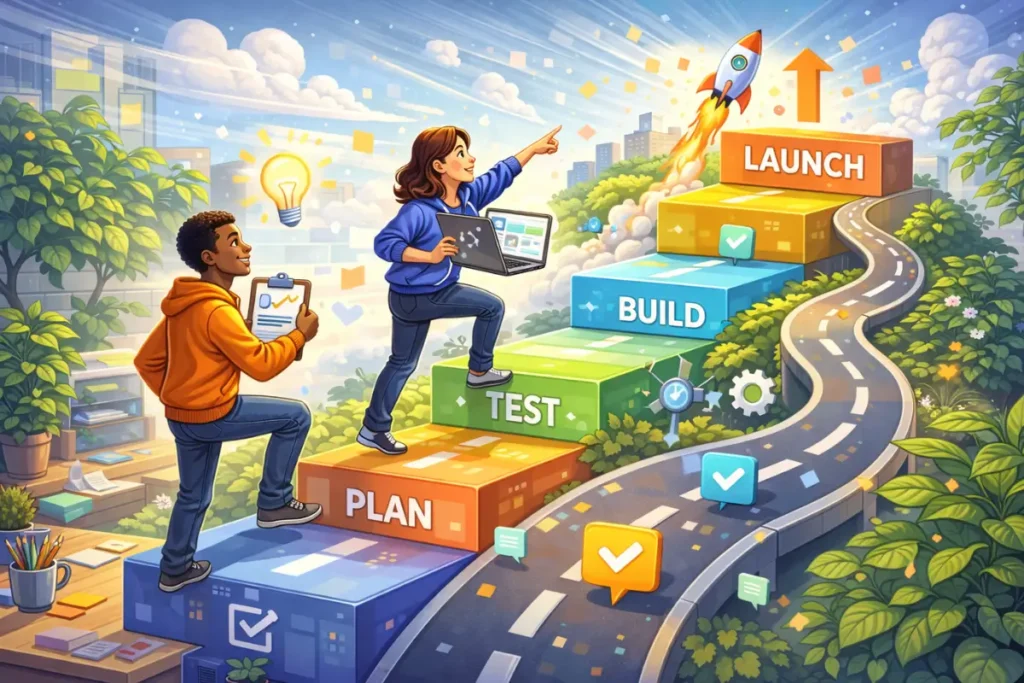
The step-by-step roadmap that prevents stalls
This roadmap is designed around the points where beginners most often stall, and it builds skills in the order that reduces rework.
Phase 1: UI and navigation fundamentals (Days 1–5)
You focus on layouts, reusable components, and navigation patterns, because everything else depends on predictable structure.
You should practice:
- responsive layout habits
- components for repeated UI
- navigation with parameters
- clear empty states, even before data exists
Your milestone is a 3–5 screen prototype that you can click through without confusion.
Phase 2: Data modeling and queries (Days 6–12)
You focus on modeling data and building lists and detail pages with real queries, because most FlutterFlow frustration is data flow frustration.
You should practice:
- building a schema that matches your screens
- writing queries with filters and sorting
- handling loading, empty, and error states
- understanding ownership and user-based filtering
Your milestone is a real list and detail screen that behaves correctly with zero items and many items.
Phase 3: State and action sequences (Days 13–18)
You focus on state placement and reliable action sequences, because “it did not update” is usually a state problem.
You should practice:
- local state versus app state
- form validation and safe defaults
- create, update, delete flows with refresh discipline
- navigation guards that respect auth state
Your milestone is a create and edit flow that always updates the UI predictably.
Phase 4: One integration, then real debugging (Days 19–24)
You add one external integration and treat it as a debugging exercise, because this is where you become competent.
You should practice:
- API calls and safe parsing
- handling optional fields and failures
- logging responses and validating assumptions
- building UI that stays useful when the API fails
Your milestone is one integration that you can demo without praying.
Phase 5: Shipping discipline (Days 25–30)
You focus on performance and release readiness, because shipping forces clarity.
You should practice:
- list performance and image optimization
- UX polish for edge cases
- test builds and feedback loops
- documenting known issues and fixing the top ones first
Your milestone is a stable build you can share confidently.
This roadmap is a practical answer to how to learn flutterflow without wasting time, because it forces you to build in the same order that real apps are built.
The beginner trap that slows everyone down
The biggest trap is building UI before the data model is clear. The second biggest trap is relying on global state for everything. The third biggest trap is ignoring empty states and error states because they feel like “extra work.”
You can avoid these traps with three rules:
- model your data before you finalize screens
- keep state local unless multiple screens truly need it
- treat empty and error handling as part of the feature
These rules feel small, but they remove the friction that causes most beginners to stall.
Tutorials vs Course vs Bootcamp: what keeps you moving
Many people ask whether they should rely on tutorials or commit to a structured program. The answer depends on what is causing you to get stuck.
When a tutorial is the fastest fix
A flutterflow tutorial is best when you need one feature, your project structure is stable, and you can test success quickly. Tutorials should be treated like tools, not like a curriculum.
When a course becomes faster
A structured flutterflow course becomes faster when your biggest problem is sequence and missing fundamentals. Courses remove decision fatigue and reduce rework because they teach consistent patterns across UI, data, and state.
When a bootcamp is fastest
A flutterflow bootcamp is fastest when your bottleneck is accountability and feedback. The speed comes from repetition, deadlines, and review, not from more content.
Where flutterflow training fits
Flutterflow training often makes sense when you want guided practice, especially in a team environment, because the learning accelerates when someone corrects your architecture and habits early.
This comparison matters because a flutterflow complete course can feel “slower” on day one, but it often becomes faster by week two because you stop restarting projects and you stop patching mismatched patterns from random sources.
Mini example workflow: a “Shipping Loop” project you can repeat
If you want a repeatable method that prevents stalls, build a small CRUD app and ship it twice. The repetition is the point.
Project idea: “Simple Tracker” MVP
- auth flow
- list screen
- create and edit flow
- detail screen
- basic filter
Workflow steps
- write the schema and the screen map first
- build navigation and placeholders
- connect queries and show empty states
- implement create, update, delete with consistent refresh logic
- test edge cases: empty data, long text, missing optional fields
- ship a preview or test build
- rebuild the same app again with a different theme and a cleaner component library
This is how you learn flutterflow for beginners without getting stuck, because you convert vague knowledge into repeatable competence.
Beginner plan: 7 days (unstuck on purpose)
This plan is for beginners who want momentum and clarity without overwhelming complexity.
Day 1: Build a 3-screen prototype with navigation and one reusable component, then document the screen map.
Day 2: Set up auth and confirm route behavior for logged-in and logged-out users.
Day 3: Create a simple data model and show a real list with loading and empty states.
Day 4: Implement create flow with validation and a clean success action sequence.
Day 5: Implement edit and delete flows, then confirm UI updates reliably after changes.
Day 6: Add a filter and search, then test empty results and edge cases.
Day 7: Ship a build to a tester and fix the top three issues found through real use.
When you follow this plan, you learn flutterflow from scratch in a way that creates a working app and a debugging mindset.
Focused plan: 30 days (confidence and portfolio)
This plan is for people who want a structured path and are comparing learning methods because they care about speed-to-skill, not just speed-to-screens.
Days 1–7: foundations and component discipline
You build a small component set and enforce consistent layout habits.
Days 8–14: data and CRUD reliability
You build stable queries and predictable CRUD flows that do not depend on hacks.
Days 15–21: one integration and real debugging practice
You connect one API and practice safe parsing, error UI, and logs.
Days 22–30: shipping and portfolio packaging
You polish UX and performance basics, then ship a stable build and write a short case study.
If you want a flutterflow full course experience without guessing, you can follow this calendar and use tutorials only to unblock specific obstacles, because random consumption slows you down more than you think.
Practical checklist: stay unstuck every week
Project clarity
- one sentence goal written
- scope limited to 4–6 core features
- screen map documented
Data and queries
- schema matches the screens
- list query handles loading, empty, and error states
- filters and sorts are tested with real data
State and actions
- state is local by default
- forms are validated
- create and update actions refresh UI predictably
- auth routing is tested
Debugging habits
- you can reproduce the issue reliably
- you check parameters, state, and query conditions first
- you log API responses and validate assumptions
Shipping discipline
- you ship a preview or test build weekly
- you fix the top issues before adding new features
This checklist is the best way to learn flutterflow without getting stuck because it turns chaos into routine.
FAQ
1) Why do I keep restarting projects?
You restart when your scope is too big or your data model is unclear, so you should shrink the project and lock the schema early.
2) How can I stop relying on tutorials for everything?
You rebuild a feature from memory and then change one requirement, because that forces understanding instead of copying.
3) What is the most important skill to learn first?
Navigation and data flow, because almost every app problem is either “where am I going” or “what data am I using.”
4) When should I consider a course?
When you keep stalling on the same fundamentals and you want a structured sequence, because a flutterflow course reduces rework and decision fatigue.
5) Is a bootcamp necessary to learn fast?
Not always, but it can be the fastest option when you need accountability and feedback, because those elements remove the biggest friction for many learners.
6) How do I know I am improving?
You are improving when you ship faster, debug faster, and can explain your architecture clearly, even if the app is still simple.
If you want a structured path, here’s a full FlutterFlow course: https://webnum.com/flutterflow-course/
The best way to learn FlutterFlow without getting stuck is not to find perfect content. It is to follow a build-and-ship loop, learn in phases that reduce rework, and treat debugging as a skill you practice intentionally. Tutorials can unblock you quickly, a course can give you structure, and a bootcamp can compress time when feedback and accountability are your bottleneck, but the real acceleration comes from shipping small projects repeatedly and improving your workflow each time.