

FLUTTERFLOW COURSE TO
BUILD APPS
 FASTER


Unlock everything you need to buildReal Apps 🚀

Practice Tasks
skills through hands-on learning
300+ Premium Widgets
of pre-built widgets and
components to build apps faster
Coding courses are designed for
software engineers, not entrepreneurs
Stop wasting months on theory. Build your product fast. Our course helps entrepreneurs validate ideas, launch MVPs, and start monetizing sooner.
Code From Scratch
- Takes years of study to master.
- Must learn separate languages for frontend
- High burnout rate for new coders
- Constant struggle with complex syntax
- Hours wasted fixing tiny, hidden typos
- Too slow to beat your competitors
- Hard to visualize code as design
Flutterflow
- Launch faster and ship an MVP in days
- Visual UI builder, design + logic without writing everything manually
- Perfect for entrepreneurs who want to validate ideas quickly
- Good for non-technical founders
- Learn how to scale to millions of users
6 Reasons to Learn Flutterflow
FlutterFlow helps you build professional iOS, Android, and web apps fast without writing thousands of lines of code.

Faster

What you'll learn
- Design fundamentals: where to find UI, how to craft your own layouts
- Master FlutterFlow fully: all core tools, widgets, and workflows
- Learn how to build custom widgets, custom actions, and powerful functions
- Work with databases: Firebase, Supabase, and SQLite (offline-ready)
- Create beautiful, full-featured apps that feel premium and modern
- Integrate payments: subscriptions, in-app purchases, and monetization flows
- Connect APIs: REST requests, JSON parsing, and real-time integrations
- Build AI-powered apps: chat, vision, and smart assistants
- Create admin dashboards: manage users, content, and orders
- Build offline apps: local storage, sync logic, and smooth UX
- Create video call apps: real-time calls, sessions, and user flows
- Build 8+ app categories with ready templates and real use cases
- Publish like a pro: App Store & Google Play from start to release
- Promote your app: launch strategy, ASO basics, and growth systems
- Optimize performance: speed, stability, and production-level polish
- Start your agency: pricing, client delivery, and scaling to $20K+/mo
Meet the Course Instructor

Hey, it’s Akbar 👋
I’m a mobile app developer and the founder of Webnum. For nearly the past 6 years, We’ve been building real commercial apps, from simple startup MVPs to complex enterprise-level products with advanced functionality.
Together with my team, we’ve created 150+ apps across multiple categories, and during this journey we learned one important thing: Flutterflow is one of the most powerful tools for building modern apps, but high-quality step-by-step learning content is still hard to find.
That’s why I decided to build this course with my team. We structured everything in the right order and explain FlutterFlow development clearly, step by step, so you can learn faster without feeling lost in random YouTube videos.
Inside this course, we’ll build 8 real apps together, improve your skills through practice, and help you reach a professional level with confidence.
I’m sure you’ll enjoy the process, let’s build something great 🚀





Express course 30+ hours of video
- Quick introduction to FlutterFlow and what kinds of apps you can build with it.
- Comparison with FlutterFlow alternatives and why FlutterFlow is the best choice.
- Overview of Webnum products and our store with templates and custom widgets.
- A fast tour of the FlutterFlow editor, main features, and key settings.
- Building a mini app to quickly understand the FlutterFlow workflow in practice.
- Learn how to find great UI designs, where to get inspiration, and how to recreate modern layouts in FlutterFlow.
- Build a simple mini blog app to practice clean UI structure and basic navigation.
- Learn how to work with lists and display dynamic data using ListView/GridView and reusable list items.
- Create reusable Components to keep your design consistent and build apps faster.
- Set up AppBar and Navigation (Bottom Nav / Tabs) to create real multi-page apps.
- Add custom fonts, icons, and assets to make your app look professional and branded.
- Build a full real project: “Storyteller for Kids” from start to finish.
- Learn how to use Container to build clean blocks, spacing, borders, shadows, and responsive UI sections.
- Master Column, Row, and Flex to create perfect layouts and align elements correctly.
- Learn how Stack works to build layered UI and modern card-style designs.
- Work with Text and Rich Text to create beautiful typography, styles, and mixed content.
- Learn how to use Images properly, including sizing, fit, and responsive behavior.
- Build interactive UI using Buttons, Icons, Icon Buttons, and Floating Action Buttons (FAB).
- Create swipeable and multi-page experiences using PageView and TabBar.
- Learn the most important Form Widgets for inputs, validation, and user interaction.
- Build a modern Onboarding flow with options, checkboxes, and smooth animations.
- Create the full Login & Registration system with validation and clean UX.
- Connect Firebase to FlutterFlow and configure the project settings correctly.
- Design the database structure (users, doctors, bookings, chats) the right way.
- Build the Main Home Screen and the core app navigation.
- Create the Doctors List with categories, search, and filters.
- Build the Doctor Profile Page with details, services, and availability UI.
- Create the Booking Flow (select date/time, add notes, confirm request).
- Add Booking Status logic (pending, confirmed, cancelled, completed).
- Build the Client Appointment History with upcoming and past bookings.
- Create the Client Profile Settings (edit profile, preferences, logout).
- Add the Doctor Role system and separate the doctor experience from clients.
- Build the Doctor Dashboard to view and manage booking requests.
- Add Accept / Reject / Reschedule actions for doctor-side appointment control.
- Build In-App Chat between client and doctor with real-time messages.
- Add Notifications + final polish (reminders, UX improvements, testing, publish-ready setup).
- Database Setup & Project Structure (products, categories, users, orders, reviews)
- UI Design System & Navigation for the shop experience
- Categories & Product Browsing (grid, lists, sections)
- Product Details Page (images, price, description, variants)
- Cart System (add/remove items, quantity, totals)
- Checkout Flow (address, delivery options, order summary)
- Order Creation & Order Status Logic (pending, processing, delivered, cancelled)
- Orders History Screen (active orders + completed orders)
- Product Search & Filters (category filters, price filters, sorting)
- Ratings & Reviews System (add review, show reviews with images)
- Admin Panel Setup (admin role + dashboard structure)
- Manage Products & Orders in Admin Panel (add/edit products, update order statuses, moderate reviews)
- Project Setup & UI Structure (pages, navigation, design system for the app)
- Services & Pricing System (haircut types, duration, price, service categories)
- Barbers List & Profiles (portfolio, rating, working hours, service selection)
- Booking Calendar + Time Slots (choose date/time, show available slots)
- Real-Time Slot Availability (prevent double bookings, lock last available slot)
- Booking Confirmation Flow (notes, summary, confirm/cancel booking)
- Client Booking History & Statuses (upcoming, completed, cancelled)
- Barber Side Panel (accept/reject bookings, manage schedule, update appointment status)
- Chat Database Structure & Setup (users, chats, messages, timestamps, read status)
- Chat List Screen (recent chats, last message preview, unread badges)
- Chat Room Screen (send/receive messages in real time, message UI, input field)
- Two-Side Chat Logic (message delivery, seen/read updates, notifications-ready structure)
- SQLite Basics for Offline Apps (how local storage works and why it’s useful)
- Create & Connect SQLite Database (tables, fields, inserting quiz data)
- Build the Quiz Flow (questions list, answers, scoring, and offline results screen)
- Working with APIs in FlutterFlow (API calls, JSON parsing, and dynamic data output)
- Build the Weather App (connect the Weather API in FlutterFlow and display real-time weather results)
- Supabase Setup & Connection (create project, connect to FlutterFlow, configure keys)
- Database Tables in Supabase (users, tracks, artists, playlists, favorites, history)
- Authentication & User Profiles (login, user data, protected access)
- Project Structure & Advanced Navigation (tabs, routes, clean architecture)
- Spotify-Style UI Build (home, browse, playlist, album screens)
- Dynamic Content Loading (queries, filtering, sorting, pagination-ready setup)
- Custom Widgets Integration (mini player, progress bar, reusable audio UI components)
- Custom Actions for Audio Playback (play/pause, next/prev, seek, state control)
- Background Music Player (play across screens, keep running with bottom navigation)
- Now Playing Screen + Final Polish (queue, favorites, smooth UX, performance optimization)
LifetimeCourse Price
- Course only
- Lifetime access to the full FlutterFlow course
- 30+ hours of training (from beginner to advanced)
- 300+ Custom Widgets Included
- Step-by-step modules with clear progression
- Hands-on practice and homework assignments
- Real-world app building workflows
- Course resources included (files, templates, materials inside lessons)
- All future course updates included (new lessons added every week)
- Help with Customizations
Support that keeps you Moving
Havequestionsabout the course?
questions answered 👇
- After payment, you will get instant access to the full course platform.
- All lessons are pre-recorded and structured step by step, so you can learn at your own pace.
- You’ll also receive access to our exclusive custom widgets, course resources.
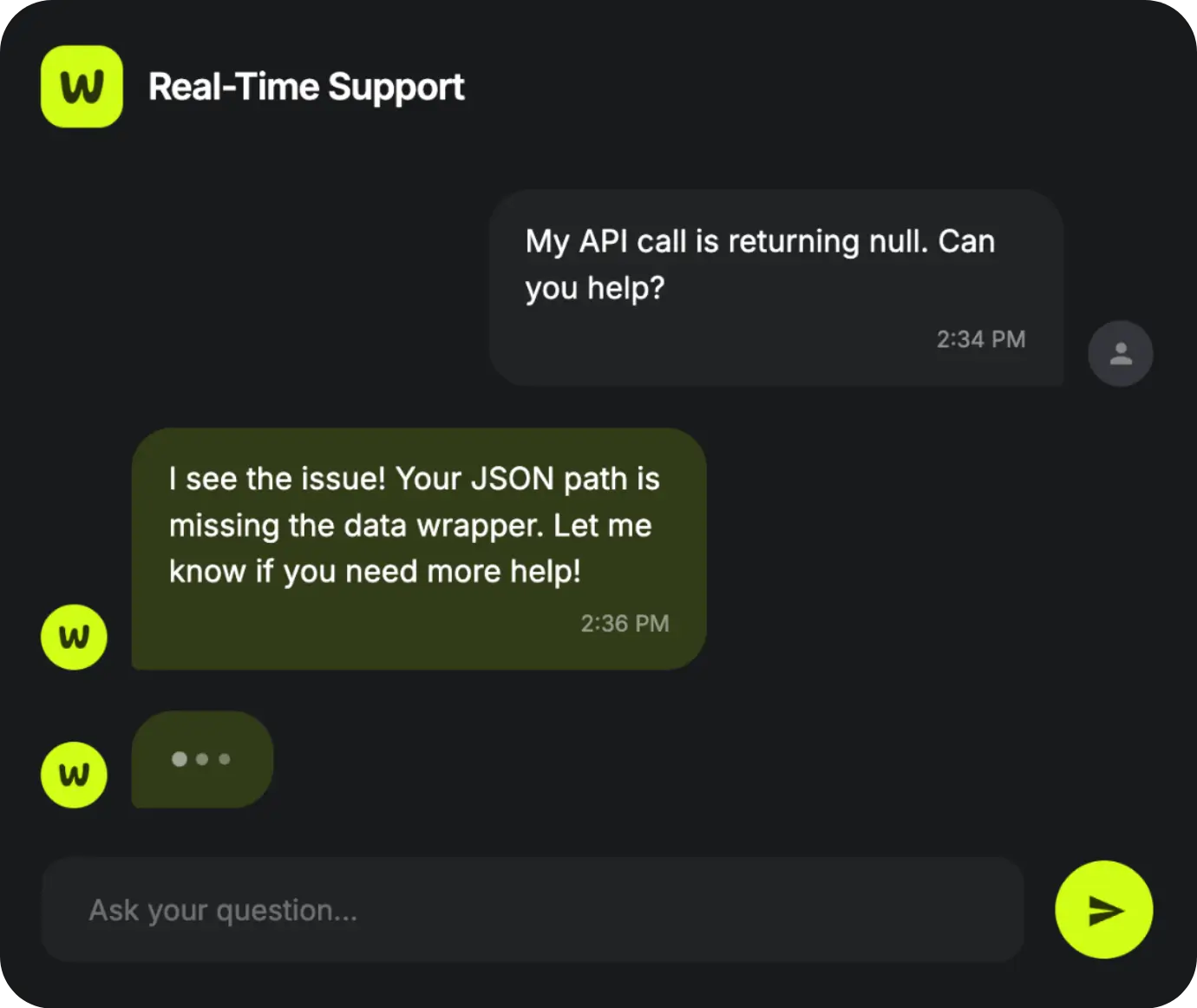
- Full technical support from our team throughout your learning journey.
Yes. This course is designed for both beginners and intermediate learners.
We start from the fundamentals and move forward gradually, so you won’t feel lost.
Even if you’ve never built an app before, you’ll learn everything step by step and gain real confidence.
Absolutely. You won’t just watch tutorials, you will build 7 – 8 real apps from start to finish.
These projects will help you understand real development workflows and build a strong portfolio you can show to clients or employers.
No coding experience is required. FlutterFlow allows you to build apps visually, and we explain everything clearly.
However, if you already have basic coding knowledge, it will help you grow even faster, but it’s not mandatory.
You will get access to our technical support, and we will help you throughout the course.
If you face any issues, have questions, or don’t understand a topic, our team will guide you step by step.
This is one of the biggest advantages of the course, because you are not learning alone.
Yes. By the end of the course, you will be able to create a full app independently, from UI to backend logic.
You’ll learn how to build scalable apps and understand the full process from idea to launch, including preparing your project for publishing.


AMessagefrom the Webnum Team
At Webnum, we’re more than just one instructor, we’re a growing team of app developers, UI/UX designers, project managers, and marketers working together to build real products that people actually use.
Over the past few years, we’ve created and delivered 150+ applications across many industries — from simple apps to complex corporate systems with advanced functionality. And today, we’re expanding even faster.
This course is not just theory. We’re building a complete learning experience where you’ll create real-world applications, learn modern UI/UX workflows, and understand how to build scalable products using FlutterFlow and powerful AI tools.
We also provide something most courses don’t: strong technical support and real guidance at every stage. If you get stuck, have questions, or need help, our team will be there to support you. This level of support is rare, and we’re proud to offer it.
We’re grateful to have a large community of clients who trust our work, love our products, and leave amazing feedback, and we’re excited to welcome you as part of that journey.
If you have any questions, we’ll be happy to help. 🚀
Still thinking?
Let’s remove the doubts