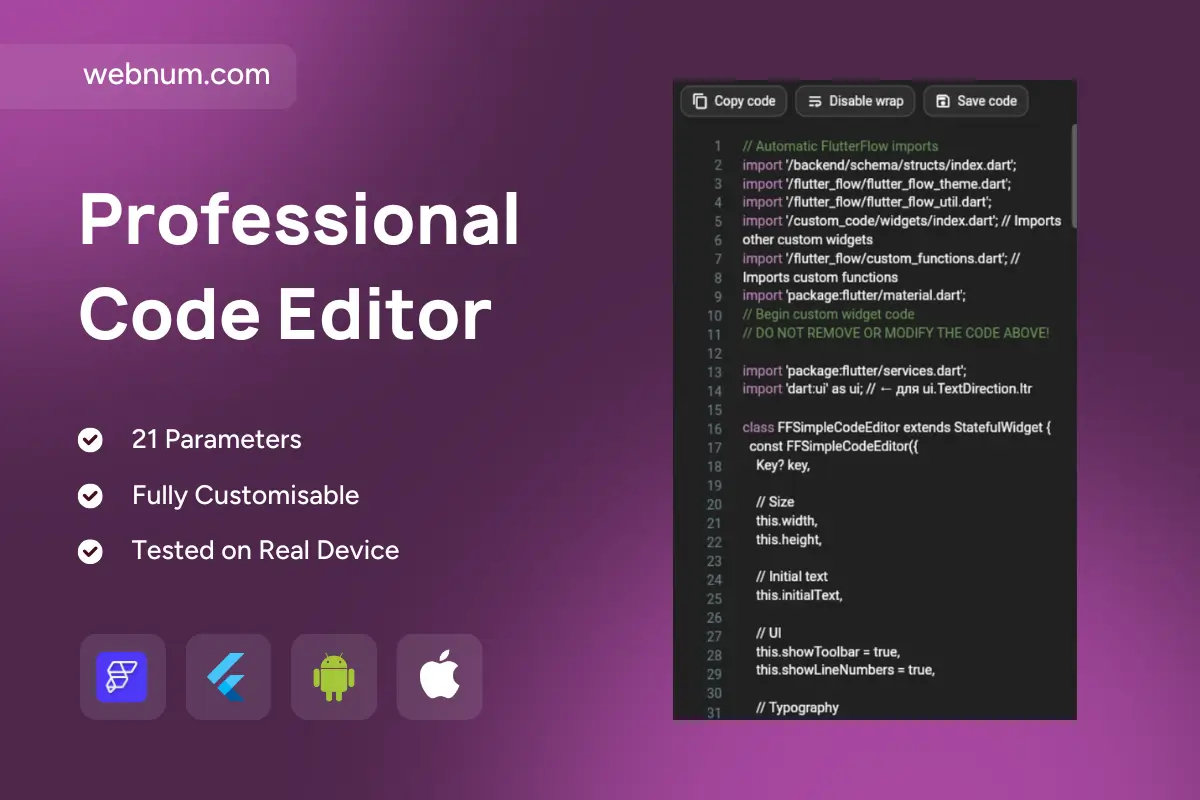
rofessional Code Editor is a powerful in-app code editing widget for FlutterFlow/Flutter that looks and feels like a real IDE inside your app 💻✨. It’s perfect for editing Dart/Flutter code, JSON, templates, configs, and any text content with clean syntax highlighting — keeping your UI minimal, modern, and developer-friendly.
Functionality
🧠 Syntax highlighting with separate colors for: comments, keywords, strings, numbers, types, and annotations
📏 Line numbers + polished typography (mono fonts, lineHeight, letterSpacing, fontWeight)
🧩 Line wrap toggle (wrap on/off) to match your preferred UX
📋 Quick actions: Copy code, Disable wrap, Save code — just like professional editors
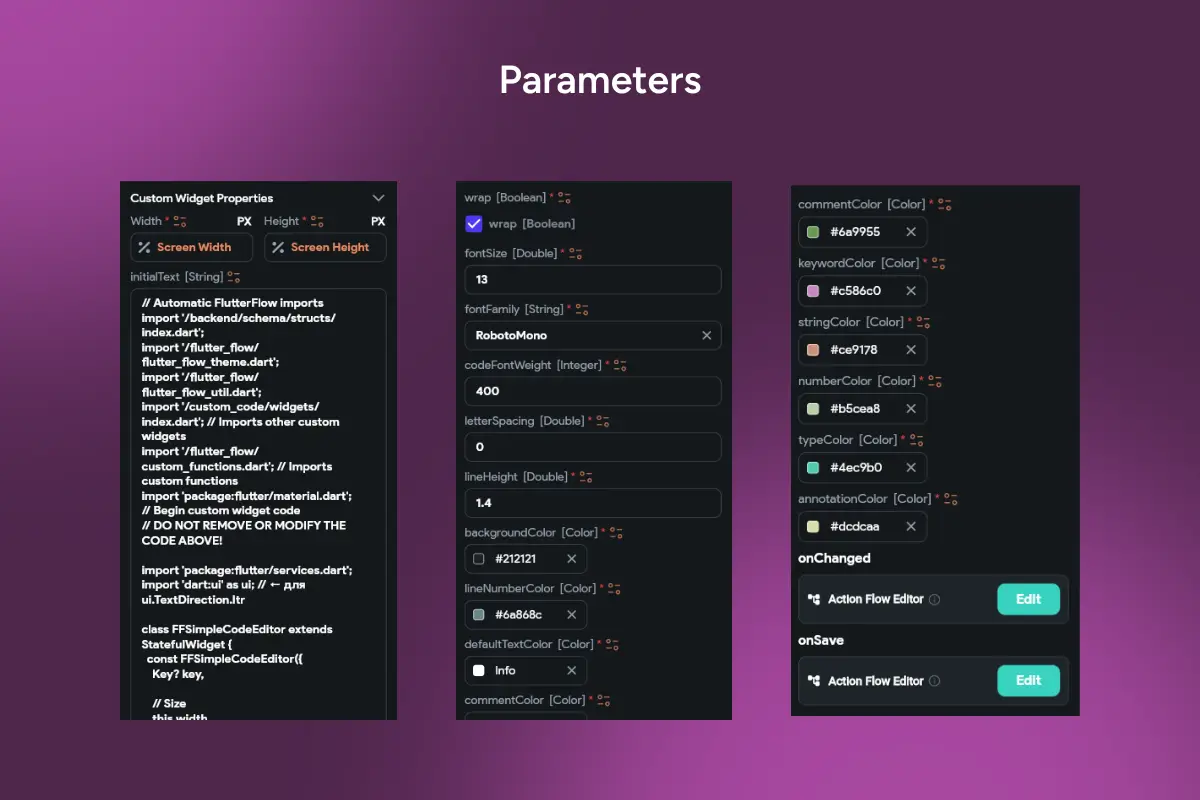
🔁 onChanged and onSave events for autosave, validation, syncing, and backend/Supabase workflows
🎨 Fully customizable theme: background, default text, line number color, and all highlight tokens
📱 Tested on real devices and scales perfectly with custom width/height
Great for
🔧 Admin panels: edit configs, rules, templates, prompts, and content safely in-app
🧪 Debug/Dev mode: view & tweak snippets, test logic, or internal tools
📦 Product features: user templates, scripts, integration settings, dynamic content
🎓 Learning apps: code examples, exercises, interactive lessons
🔎 SEO Keywords: flutterflow code editor, professional code editor widget, dart code editor flutter, syntax highlighting flutter, in-app code editor, custom widget flutterflow, editor with line numbers, json editor flutter, code editor for mobile apps, onSave onChanged flutterflow, copy code button, developer tools widget