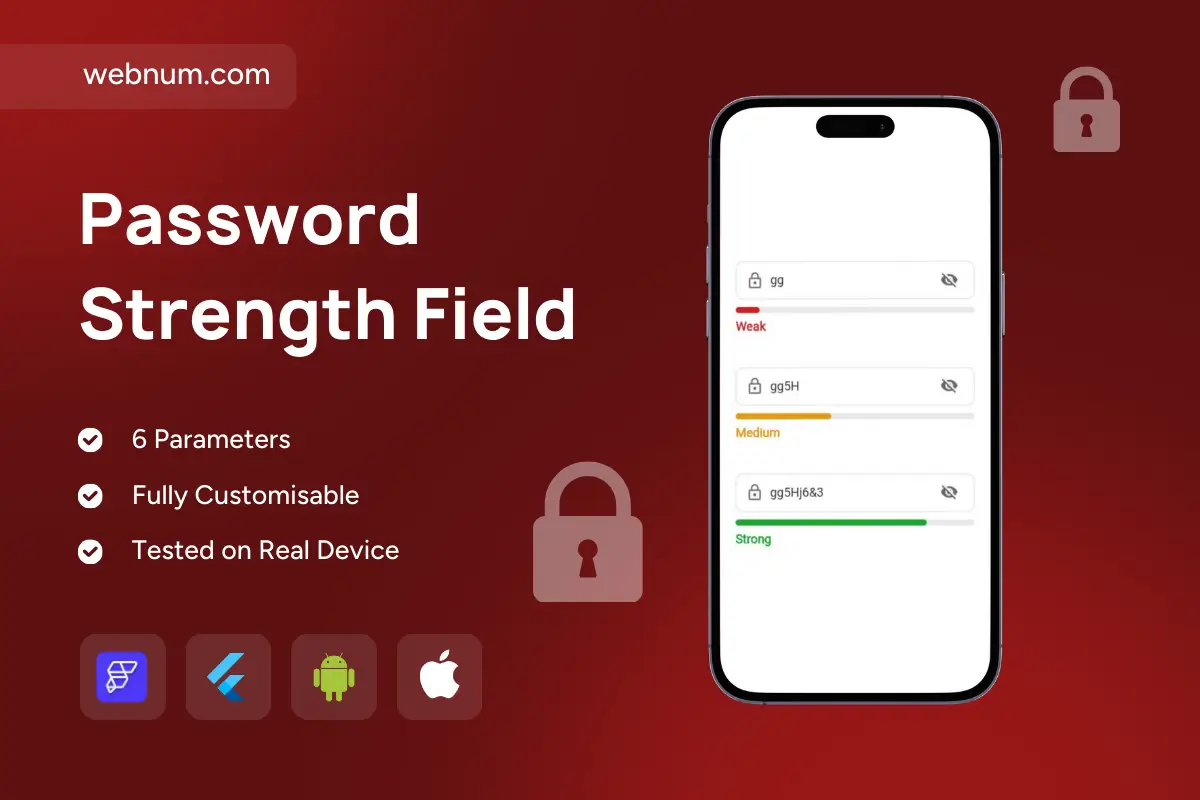
Password Strength Field is a premium password input widget for FlutterFlow/Flutter that instantly shows password strength in real time — helping users create safer passwords while improving sign-up conversion 🔒✅. It combines a clean password field, visibility toggle, and a dynamic strength bar (Weak → Medium → Strong) to deliver a modern, trustworthy authentication experience.
Functionality
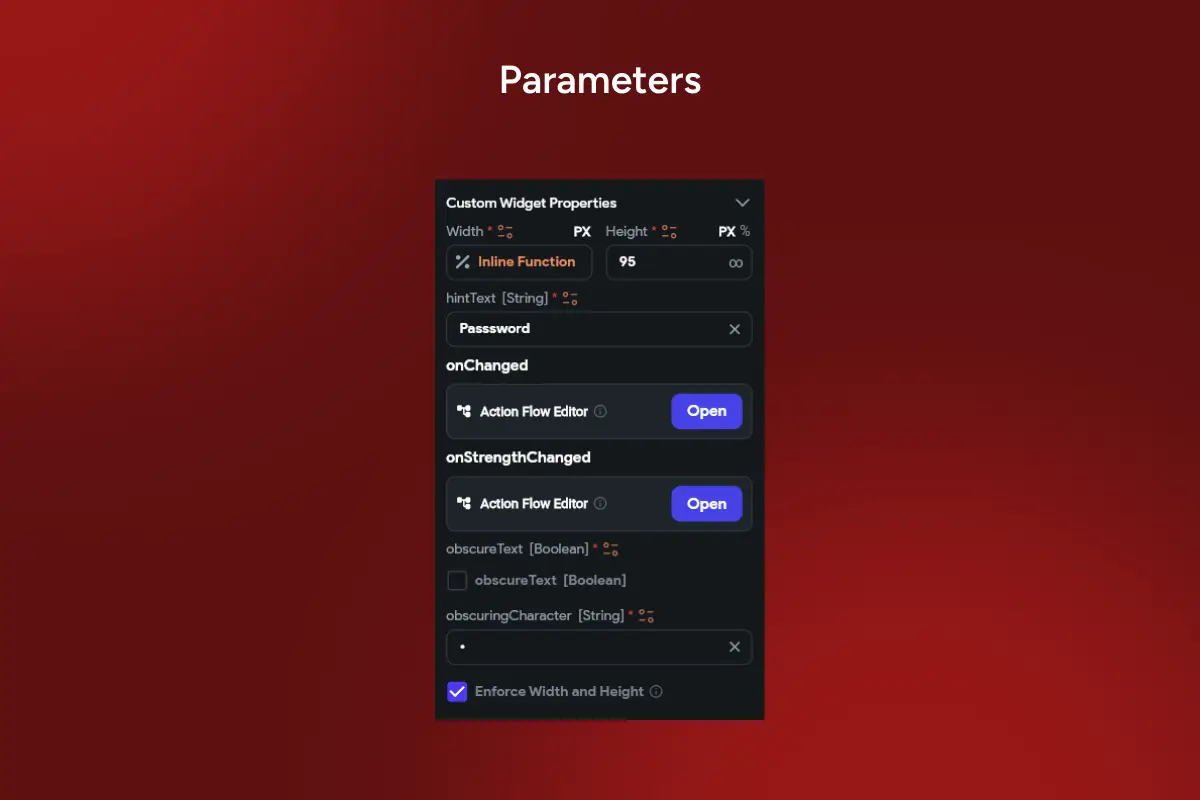
🔐 Real-time password strength detection as the user types 📊 Visual strength indicator bar with clear labels (Weak / Medium / Strong) 👁️ Built-in show/hide password icon for better UX 🧩 Easy setup with 6 parameters — lightweight and FlutterFlow-friendly 🔁 Events for automation:
onChanged to sync input, validate forms, or enable submit buttons
onStrengthChanged to enforce rules (min strength), show hints, or block weak passwords 🔤 Custom masking: support obscureText and custom obscuringCharacter 🎨 Fully customizable UI: hint text, spacing, colors, radius, typography, and bar styling 📱 Tested on real devices and optimized for smooth performance
Perfect for
🧾 Sign up / Login screens 🏦 Fintech, wallets, and secure apps 🛒 E-commerce accounts and checkout profiles 🏢 SaaS products with user authentication 📲 Any app that needs stronger security and a better onboarding flow
Why it improves conversion
When users clearly see password quality, they make fewer mistakes, feel more confident, and complete registration faster — while your app reduces weak-password risk.
🔎 SEO Keywords: password strength field flutterflow, password strength meter flutter, password input widget flutter, secure signup field, real-time password validation, show hide password flutter, strength indicator bar, weak medium strong password, flutterflow auth widget, custom password field widget