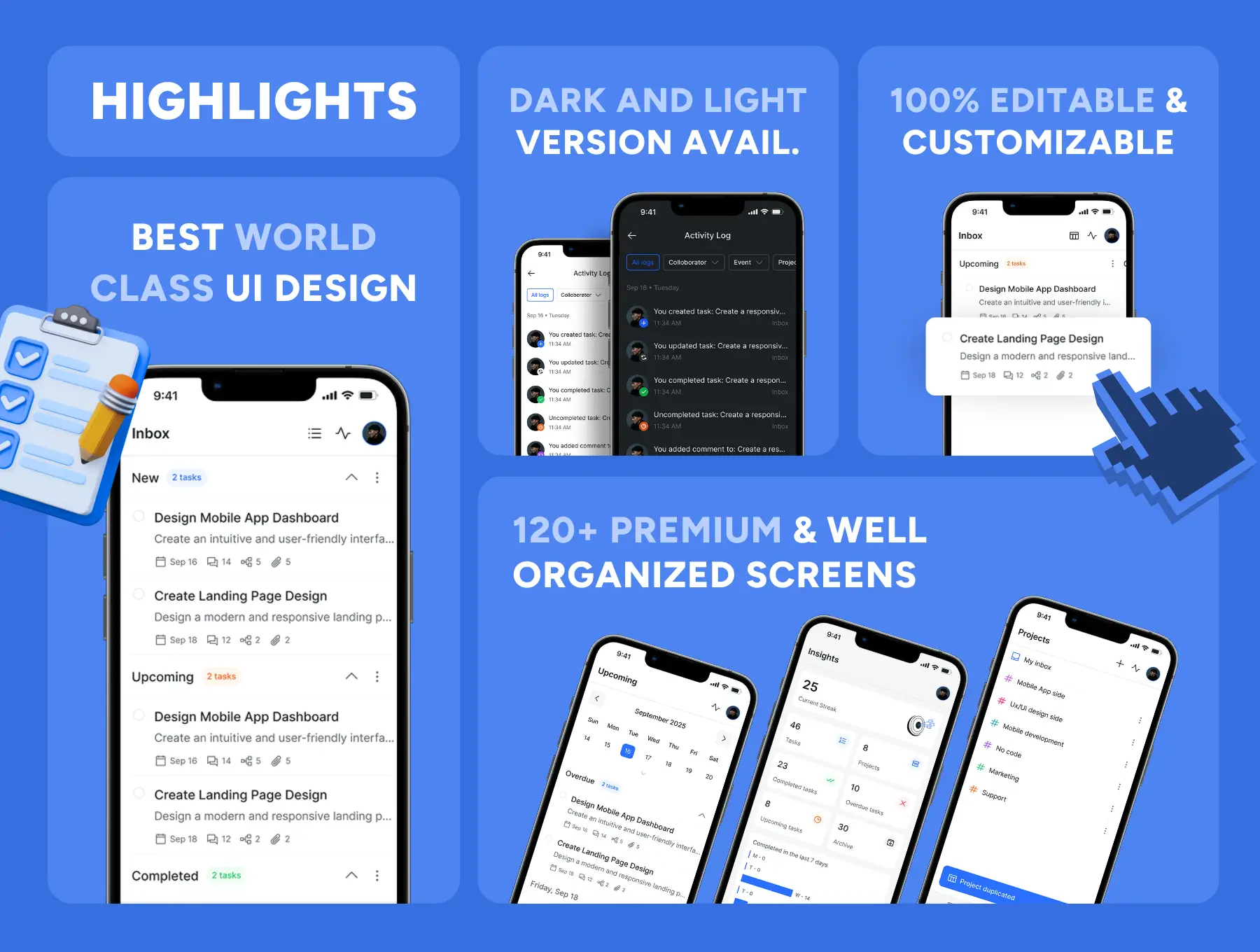
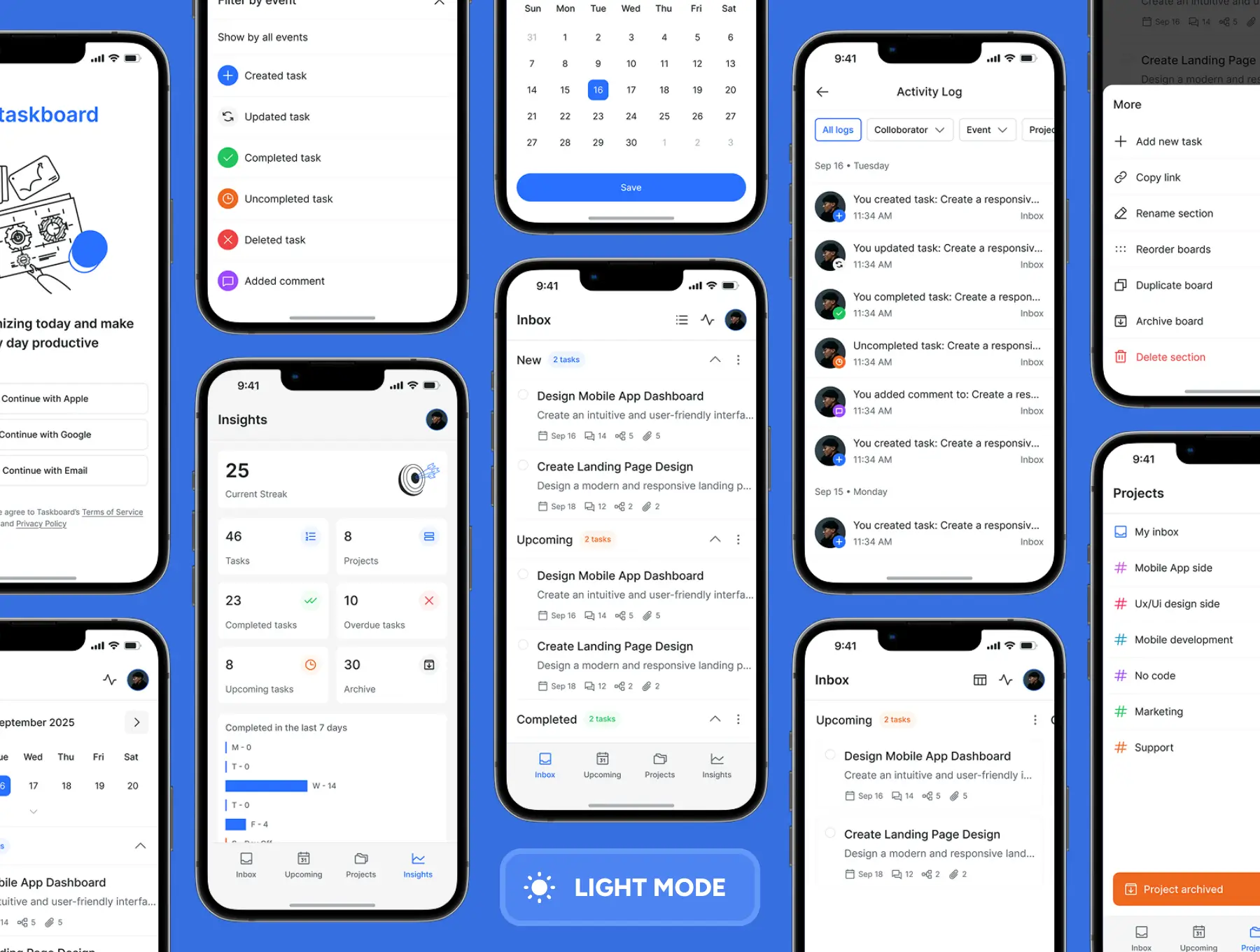
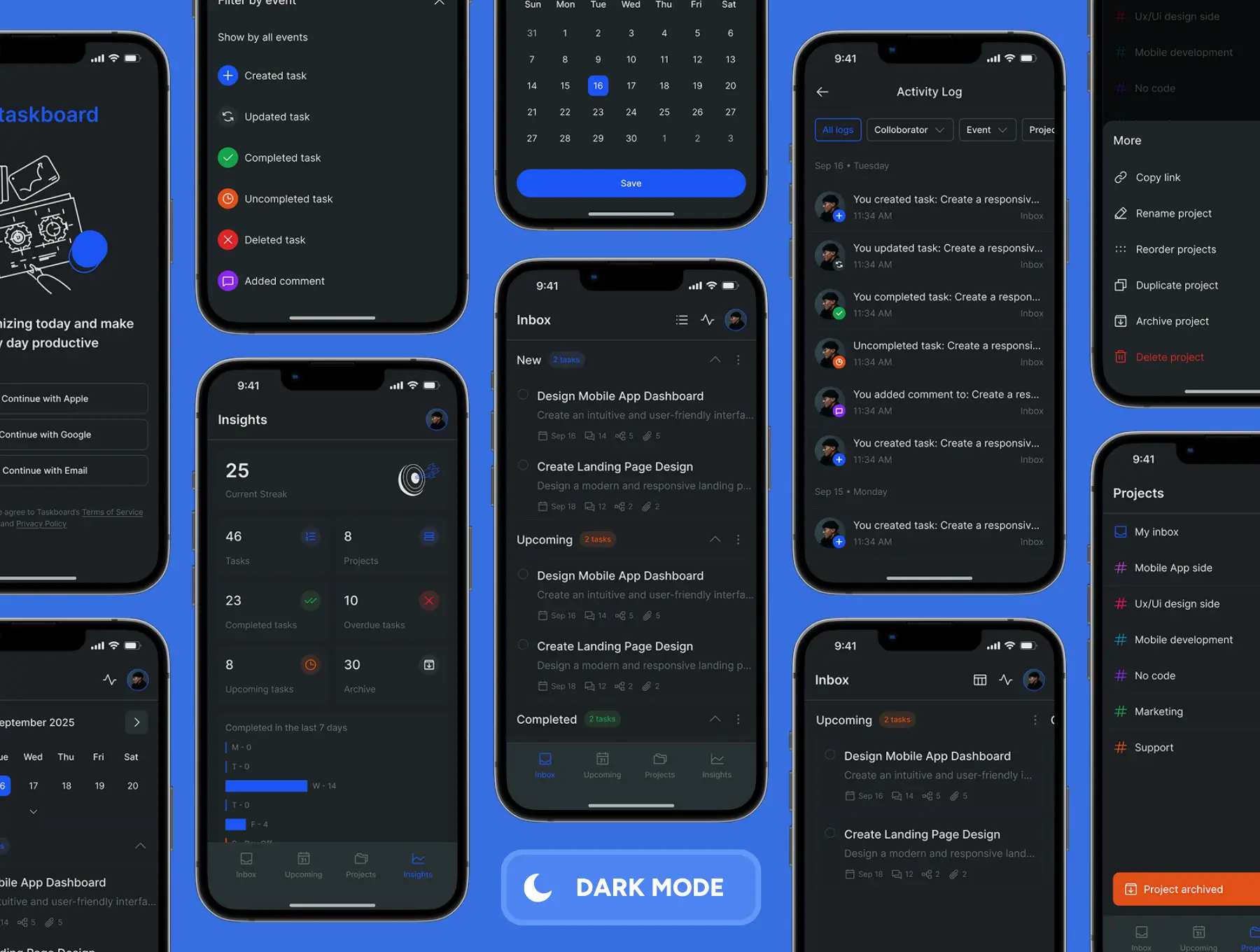
Ship a clean, focused productivity app without rebuilding task flows from the ground up. TaskBoard is a production-ready Tasks Management App UI Kit for Figma — designed for inbox-style task capture, project dashboards, calendars, and insights in one consistent system. It ships with Dark & Light themes, a complete design system, and 120+ premium screens that cover everything from onboarding and daily planning to activity logs and analytics.
-
.fig master file with 120+ task management screens & components
-
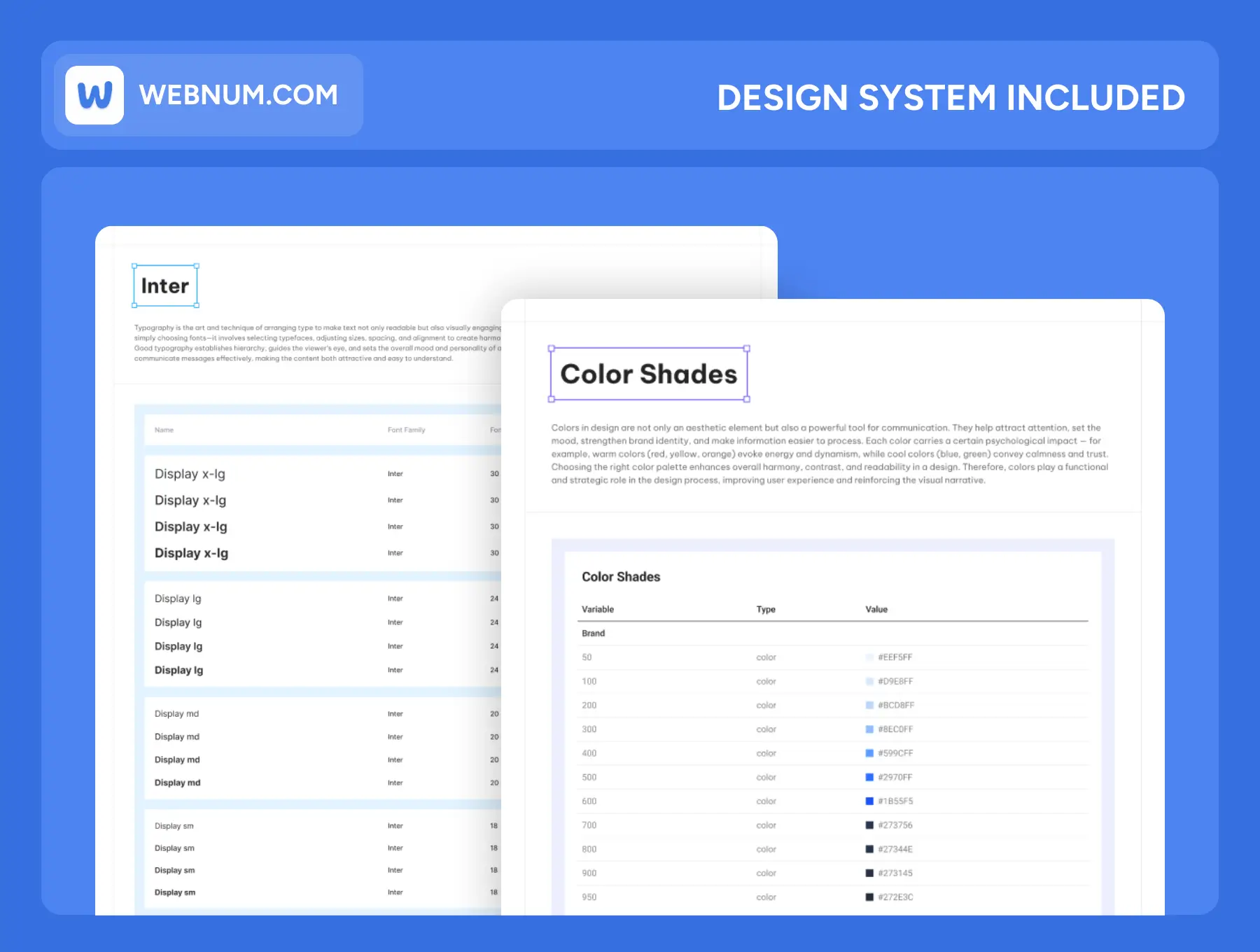
Design System: color tokens, typography, grids, spacing, elevation 🧭
-
Figma Auto-layout & Variables for ultra-fast theming (colors, radius, typography) 🎚️
-
3,000+ icons for actions, priorities, projects, and states 🧩
-
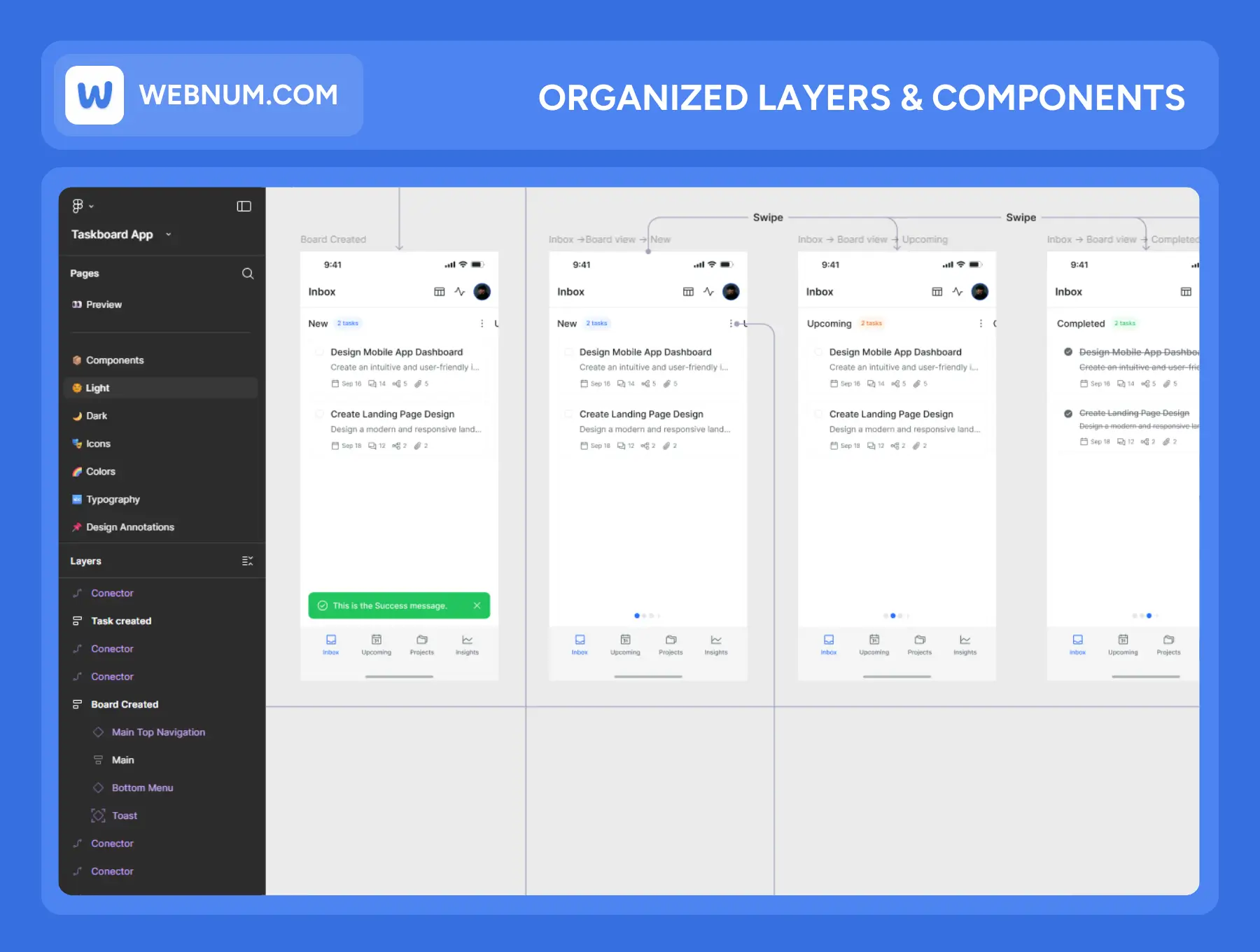
Organized layers & user-flow map for frictionless team onboarding 🗺️
-
Reusable components & variants (task rows, boards, filters, nav bars, stats cards) ♻️
-
Quick start guide & commercial license — ready for client and production work ✅
-
Onboarding & auth: simple welcome screens with social/email sign-in 👋
-
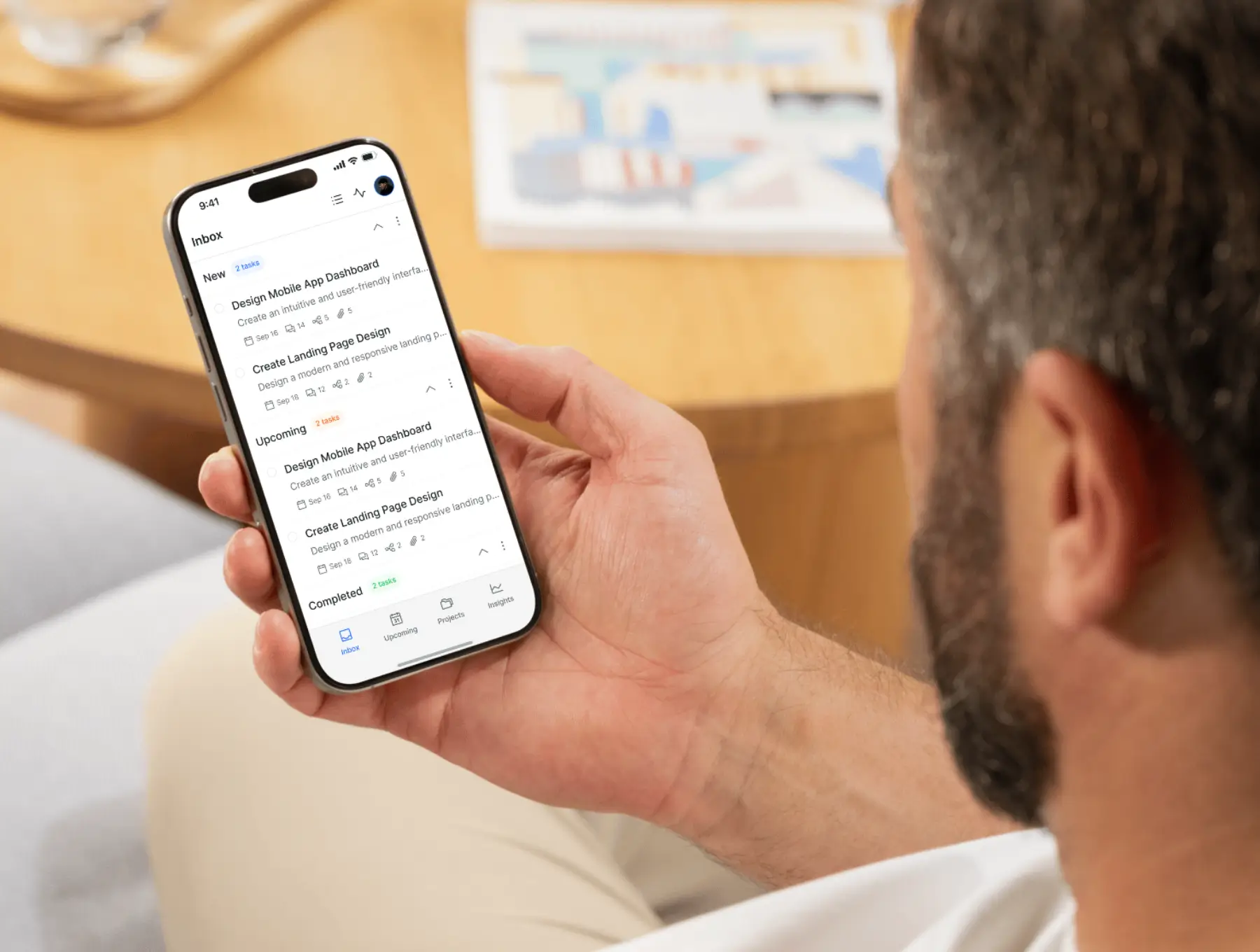
Inbox-first tasking: centralized inbox for new, upcoming, and completed tasks 📥
-
Project spaces: separate views for each project (Mobile App, UX/UI, Marketing, Support, etc.) with color-coded tags 📁
-
Calendar & scheduling: monthly calendar, upcoming sections, overdue lists, date pickers 🗓️
-
Task details: descriptions, subtasks, due dates, tags, attachments, comments ✅
-
Filters & views: filter by event (created, updated, completed, deleted, commented), collaborator, project, and status 🔍
-
Activity log: chronological feed of everything happening across projects (who did what, and when) 📜
-
Insights & analytics: streak counter, total tasks, completed vs overdue, per-project stats, activity in last 7 days 📊
-
Project management: create, rename, reorder, duplicate, archive, and delete projects/boards 🧱
-
System screens: empty states, loaders, confirmations, error views, contextual menus 🧩
-
Launch faster: proven task management patterns users already recognize ⚡
-
Built for teams: activity logs, filters by collaborator, and project structure baked in 🤝
-
Clarity at a glance: inbox, upcoming, projects, and insights make priorities obvious 📌
-
Easy rebrand: apply your brand colors and typography once — the entire UI updates 🎨
-
Scales with complexity: flexible components support solo use, teams, or full PM tools 📐
-
Dev-friendly: clean file structure, consistent naming, and mapped flows keep handoff smooth 🧑💻